Chrome
extport publishes to the Chrome Web Store using a Google Cloud service account and the Chrome Web Store Publish API —
the same mechanism chrome-webstore-upload and similar CI tools use, not your personal Google login.
Credential fields
Section titled “Credential fields”Under Settings → Store credentials → Chrome, extport asks for:
| Field | Where it comes from |
|---|---|
| Publisher ID | Chrome Web Store Developer Dashboard → Settings → Profile |
| Service Account Email | The client_email field in your service account’s downloaded JSON key |
| Service Account Private Key | The private_key field in the same JSON key |
To create the service account: in Google Cloud Console, enable the Chrome Web Store API for your project, create a service account, generate a JSON key for it, then grant that service account access from the Chrome Web Store Developer Dashboard’s account settings.
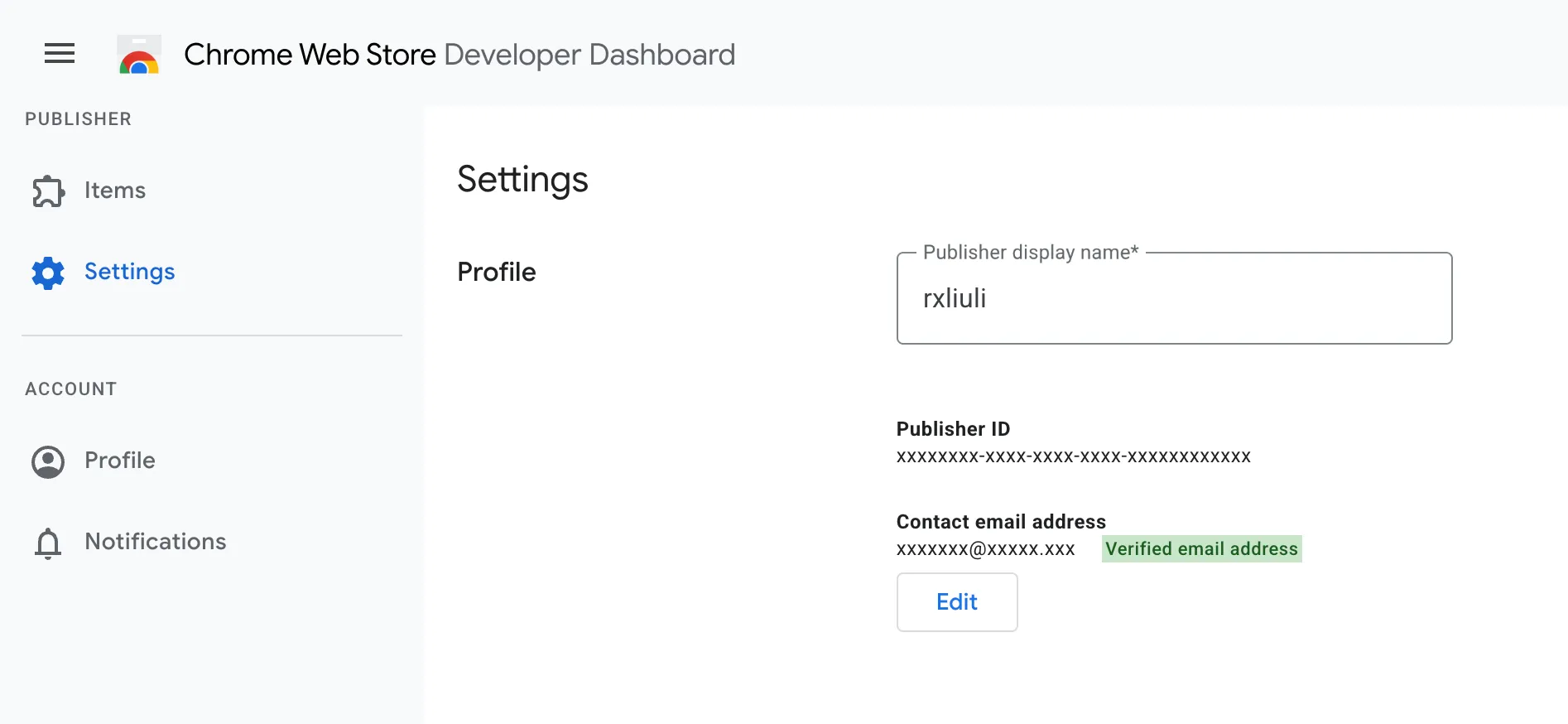
Store item id
Section titled “Store item id”The store item id is the id in your item’s Developer Dashboard URL or its public store listing URL — a 32-character lowercase string.
For example, Redirector’s Chrome listing is at
chromewebstore.google.com/detail/redirector/lioaeidejmlpffbndjhaameocfldlhin — the trailing
lioaeidejmlpffbndjhaameocfldlhin segment is the store item id. Pasting the whole listing URL into the
dashboard’s store item id field also works — it extracts the id for you.
- The Chrome Web Store API applies its own review process independent of extport — extport only submits, it can’t speed up or bypass review.
- Uploading a new version does not publish it automatically to all trusted testers/rollout groups; that behavior is controlled by your existing Chrome Web Store publish settings, not by extport.